This recipe changed by another household
Updated 2026-09-13
Recipes are shared. If someone else (or you, on another device) saves a change to the same recipe while you're editing it, your save is blocked with:
This recipe changed by one of your households. Please reload it and try again.
along with a Reload recipe button.
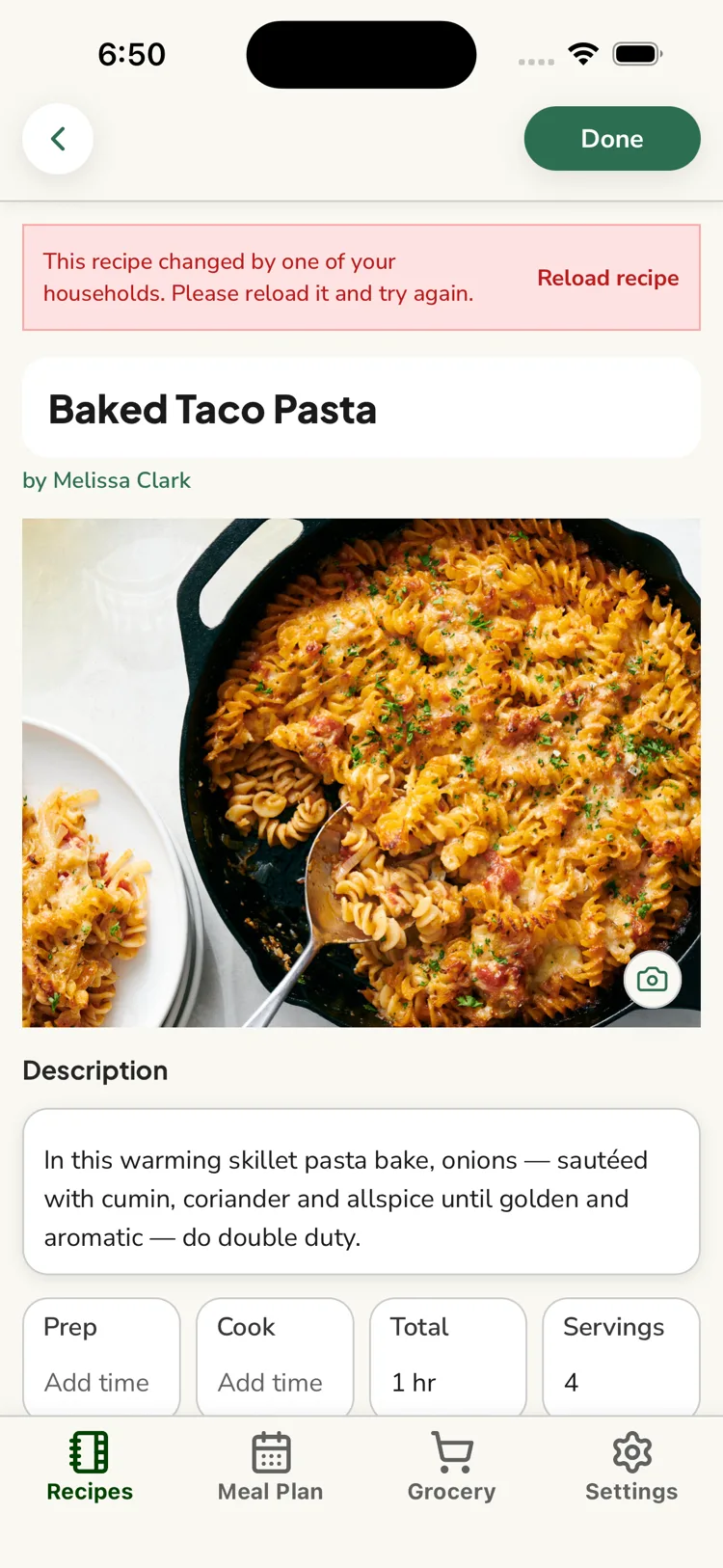
What Reload does
It fetches the current version of the recipe and puts you back in edit mode on that version. Your in-progress edits are discarded — ReciLore can't safely merge two sets of changes.
Avoiding lost work
If you had substantial edits, note them down before tapping Reload, then reapply them on the fresh copy. For small changes it's usually quickest to just reload and redo them.
A related message, "Reload this recipe before saving changes," means the recipe needs to be reloaded first — tap into it again from the library.
Questions this answers
- Why did my recipe save get blocked?
- What does "Reload recipe" do?
- Will I lose my edits?
Still need help?
Email us at [email protected] and we'll get back to you.