Finding your way around
Updated 2026-09-13
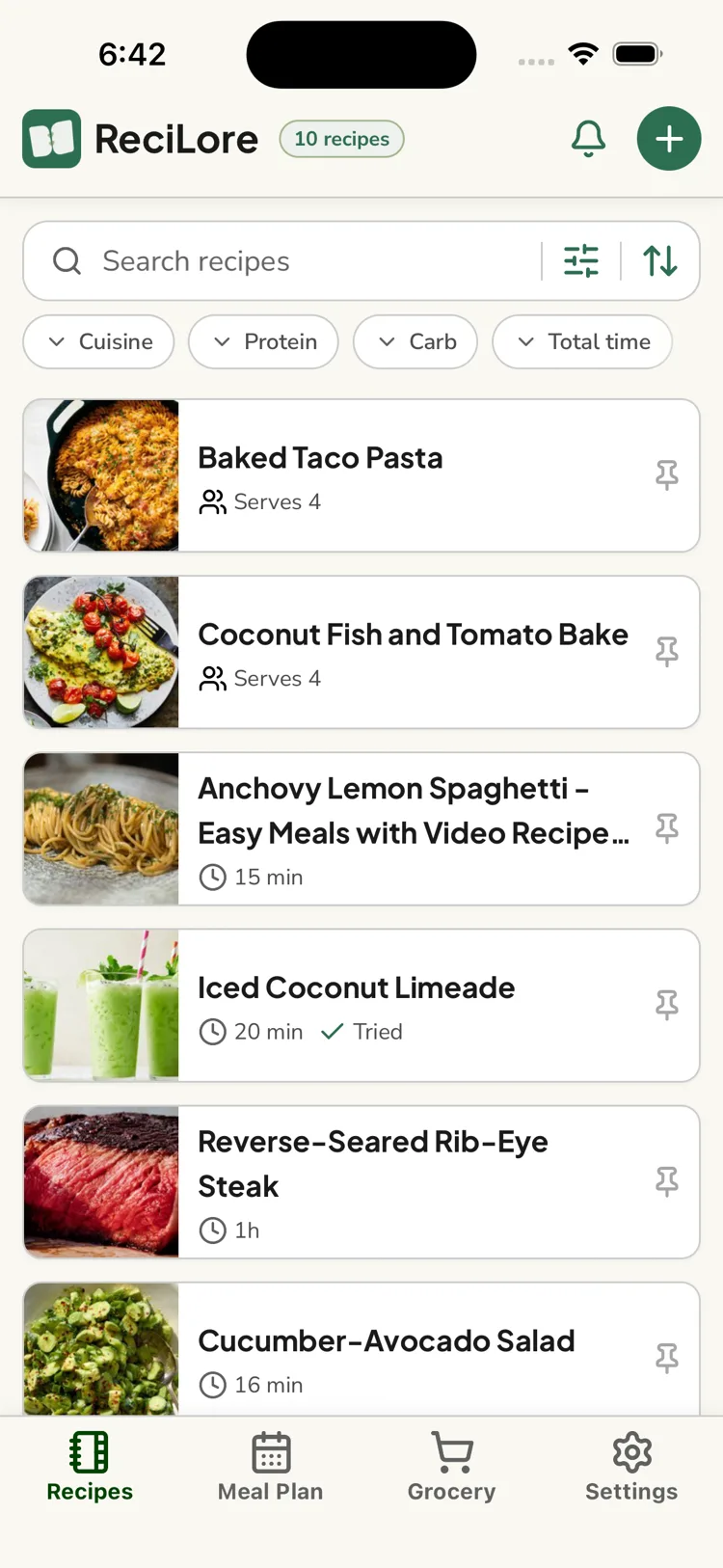
ReciLore has four tabs along the bottom:
- Recipes — your household's recipe library, and the landing tab when you open the app. Add recipes with the + button, and find the notification bell here too.
- Meal Plan — a week-at-a-time plan you build together.
- Grocery — the shared shopping list.
- Settings — your profile, household, subscription, and preferences.
The bell icon
On the Recipes tab, the bell opens your notifications — things like "someone joined your household" or "you've been asked to cook". These appear only inside the app; ReciLore doesn't send push notifications. See Notifications.
Missing tabs
The Meal Plan and Grocery tabs can be hidden per person in Settings → Preferences. If one is missing, that's why — turn it back on there. See Hiding the Meal Plan or Grocery tab.
Questions this answers
- What are the tabs in ReciLore?
- What's the bell icon on the Recipes tab?
- Why is the Meal Plan or Grocery tab missing?
Still need help?
Email us at [email protected] and we'll get back to you.