Pasting recipe text
Updated 2026-09-13
On the Recipes tab, tap + → Quick Paste, then paste the recipe text and tap save.
When to use it
- A site Web Import couldn't read.
- A recipe someone sent you, or one in an email, comment, or screenshot caption.
- Instagram or TikTok captions (ReciLore has no direct import for those — paste the caption here instead).
What format works
Plain text with the ingredients and the method both included. A title line helps. Tap See example format to drop in a template you can replace.
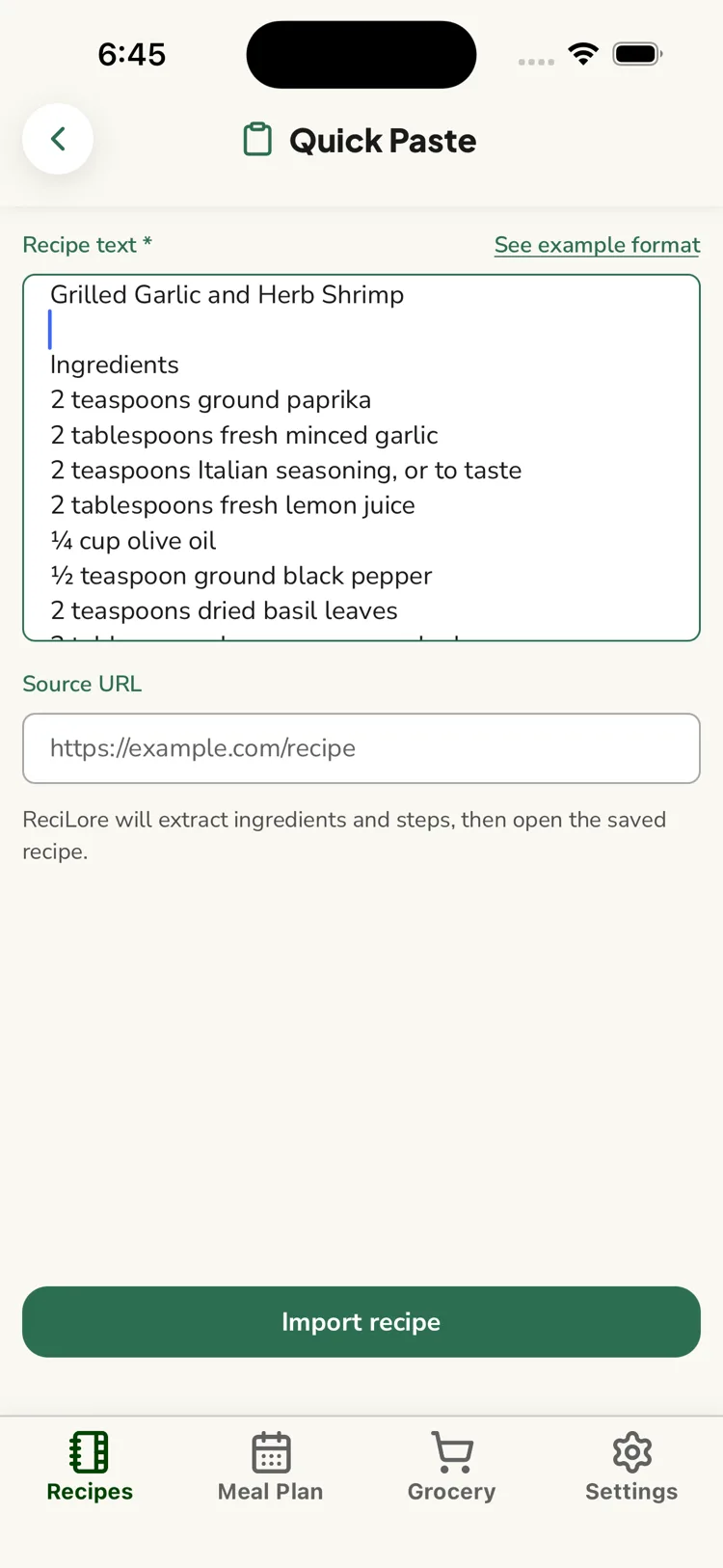
The "Source URL" field
Optional. It's saved as a reference link on the recipe so you can get back to the original — ReciLore does not fetch or read it.
Questions this answers
- When should I use Quick Paste?
- What format should the pasted text be in?
- What is the "Source URL" field for?
Still need help?
Email us at [email protected] and we'll get back to you.